
Last updated: 2026-02-04
You’re monitoring your service. Everything reports green. Then a user tweets that your API is down.
This is one reason it helps to pair CDN-aware checks with proper uptime monitoring (and keep user-facing updates on a separate status page).
You check your status page. Still green. You SSH into production. Service is actually offline.
How did your monitoring miss this?
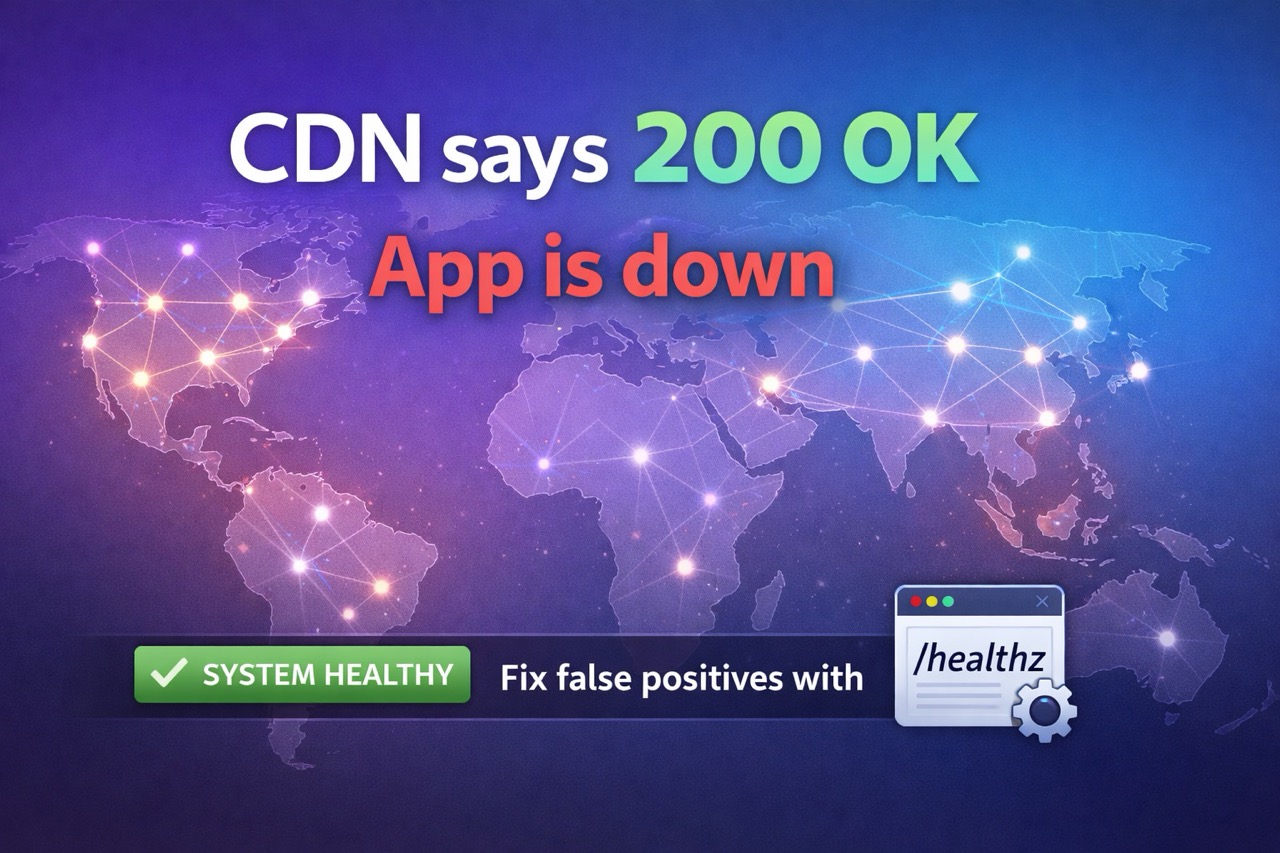
It didn’t miss it. Your monitor hit your CDN, not your origin. The CDN returned a valid HTTP 200 OK response that looked healthy, because it served cached content or a fallback.
CDNs are fantastic at what they do: cache responses and serve them globally. But if your monitoring relies on status codes (or checks your homepage), that same behavior can create false positives. Your monitor ends up validating the edge, not the availability of your app.
This post walks through three realistic scenarios (and how to prevent them), then shows you the fix with production-ready code in Go, Node, Python, and PHP.
If you’re also evaluating tooling, start with the comparison list of Statuspage alternatives.
Related:
- Stop CDN False Positives (Tool)
- Status Page vs Uptime Monitoring
- What Is a Status Page?
- Status Page Best Practices (2026)
Uptime is not availability
Uptime often means: “did an HTTP request get a response?”
Availability means: “can a real user successfully use the service?”
A CDN is built to return a response quickly. That is great for performance and resilience, but it can hide origin failures from simple uptime checks.
Why CDNs can return HTTP 200 while your origin is failing
This is where false positives usually come from:
- Cached content: the edge serves an older copy of
/or another cached route. - Friendly fallbacks: the CDN serves a branded error page, maintenance page, or retry page that still returns 200.
- Edge retries and shielding: the CDN retries origin requests or serves stale content during transient failures.
- Monitoring the wrong URL: checking
/(or another cached route) mostly measures your CDN cache, not your backend.
If you do not expose a non-cached health endpoint, you are forced into unreliable monitoring choices.
The simple rule: monitor an origin health endpoint, not your homepage
If your monitor checks /, a CDN can make your service look “up” even when login, API calls, or checkout are failing.
Instead:
- Create an endpoint like
GET /healthzorGET /__uptime. - Ensure it is never cached.
- Return 503 Service Unavailable when dependencies are unhealthy.
- Add a body check for a stable marker (for example
{"status":"ok"}orOK).
If you cannot add a health endpoint, you will need to rely on more complex checks (see the synthetic monitoring note later in this post).
🎭 Three Scenarios Where Your Health Check Lies
Scenario 1: The Cached 200
Consider this scenario: you deploy a health check endpoint at GET /healthz. It returns {"status":"ok"} with a 200. Simple, clean.
But someone on your team (or your CDN config) adds cache headers without thinking:
Cache-Control: public, max-age=3600
Now, an uptime monitor polls from geographically distributed regions. One region hits the CDN edge and gets a 200 from cache. That cache was set at 14:00 UTC when your service was healthy. It’s now 15:30 UTC, your database crashed at 14:45 UTC, but the monitor still sees green until the cache expires at 15:00 UTC.
Result: 15+ minutes of undetected downtime, while your status page and monitoring both report healthy.
Scenario 2: The Passthrough Proxy
Imagine if you’re running a health endpoint behind a reverse proxy or API gateway. The proxy has retry logic configured:
Timeout: 10s
Retries: 3
Your backend database hangs. Requests timeout. But the proxy retries and eventually gets a response from an old connection pool. Meanwhile, your uptime monitor from a distant region polls the health endpoint and sees… success. The timeout never propagated upstream because the proxy hid it.
Result: Your monitoring thinks everything is fine while your users are actively experiencing 10+ second latencies and timeouts on real traffic.
Scenario 3: The Partial Dependency Failure
Here’s what could happen: your health check only validates that the HTTP server is running, not that all dependencies are healthy.
// ❌ Bad health check
func handleHealthz(w http.ResponseWriter, r *http.Request) {
    w.Header().Set("Content-Type", "application/json")
    json.NewEncoder(w).Encode(map[string]string{"status": "ok"})
}
Your Redis cache crashes. Your database goes down. But your HTTP server keeps responding to health checks with 200 OK. Monitors report green. Users experience complete service degradation. Your incident response team doesn’t even know there’s an emergency until support tickets pile up.
Result: Dependency failures go undetected because the health endpoint doesn’t actually check anything.
🔧 The Fix: Anti-Cache, Anti-Proxy, Dependency-Aware Health Checks
The solution has three parts:
- Disable caching explicitly - force revalidation on every check
- Bypass proxies and connection pooling - make the health check probe real dependencies
- Check actual dependencies - database, cache, message queues, anything critical
Here’s a production-ready pattern:
Go (Gin/Chi)
package main

import (
    "context"
    "database/sql"
    "encoding/json"
    "net/http"
    "time"
    "github.com/gin-gonic/gin"
    "github.com/redis/go-redis/v9"
)

type HealthCheck struct {
    Status       string            `json:"status"`
    Timestamp    time.Time         `json:"timestamp"`
    Dependencies map[string]string `json:"dependencies"`
}

func healthzHandler(db *sql.DB, redis *redis.Client) gin.HandlerFunc {
    return func(c *gin.Context) {
        // Disable all caching
        c.Header("Cache-Control", "no-store, no-cache, must-revalidate, max-age=0")
        c.Header("Pragma", "no-cache")
        c.Header("Expires", "0")

        health := HealthCheck{
            Status:       "healthy",
            Timestamp:    time.Now().UTC(),
            Dependencies: make(map[string]string),
        }

        ctx, cancel := context.WithTimeout(context.Background(), 3*time.Second)
        defer cancel()

        // Check database
        if err := db.PingContext(ctx); err != nil {
            health.Status = "unhealthy"
            health.Dependencies["database"] = err.Error()
        } else {
            health.Dependencies["database"] = "ok"
        }

        // Check Redis
        if err := redis.Ping(ctx).Err(); err != nil {
            health.Status = "unhealthy"
            health.Dependencies["redis"] = err.Error()
        } else {
            health.Dependencies["redis"] = "ok"
        }

        statusCode := http.StatusOK
        if health.Status != "healthy" {
            statusCode = http.StatusServiceUnavailable
        }

        c.JSON(statusCode, health)
    }
}

// Use it:
// r.GET("/healthz", healthzHandler(db, redisClient))
Node.js (Express)
const express = require('express');
const { Pool } = require('pg');
const redis = require('redis');

const app = express();
const dbPool = new Pool({ /* config */ });
const redisClient = redis.createClient();

app.get('/healthz', async (req, res) => {
    // Disable caching
    res.set('Cache-Control', 'no-store, no-cache, must-revalidate, max-age=0');
    res.set('Pragma', 'no-cache');
    res.set('Expires', '0');

    const health = {
        status: 'healthy',
        timestamp: new Date().toISOString(),
        dependencies: {},
    };

    try {
        // Check database
        await Promise.race([
            dbPool.query('SELECT 1'),
            new Promise((_, reject) => setTimeout(() => reject(new Error('DB timeout')), 3000))
        ]);
        health.dependencies.database = 'ok';
    } catch (err) {
        health.status = 'unhealthy';
        health.dependencies.database = err.message;
    }

    try {
        // Check Redis
        await Promise.race([
            redisClient.ping(),
            new Promise((_, reject) => setTimeout(() => reject(new Error('Redis timeout')), 3000))
        ]);
        health.dependencies.redis = 'ok';
    } catch (err) {
        health.status = 'unhealthy';
        health.dependencies.redis = err.message;
    }

    const statusCode = health.status === 'healthy' ? 200 : 503;
    res.status(statusCode).json(health);
});
Python (FastAPI)
from fastapi import FastAPI, Response
from fastapi.responses import JSONResponse
import asyncpg
import aioredis
from datetime import datetime
import asyncio

app = FastAPI()

@app.get("/healthz")
async def healthz(db_pool: asyncpg.Pool, redis: aioredis.Redis, response: Response):
    # Disable caching
    response.headers["Cache-Control"] = "no-store, no-cache, must-revalidate, max-age=0"
    response.headers["Pragma"] = "no-cache"
    response.headers["Expires"] = "0"

    health = {
        "status": "healthy",
        "timestamp": datetime.utcnow().isoformat(),
        "dependencies": {},
    }

    # Check database
    try:
        async with asyncio.timeout(3):
            await db_pool.fetchval("SELECT 1")
            health["dependencies"]["database"] = "ok"
    except Exception as e:
        health["status"] = "unhealthy"
        health["dependencies"]["database"] = str(e)

    # Check Redis
    try:
        async with asyncio.timeout(3):
            await redis.ping()
            health["dependencies"]["redis"] = "ok"
    except Exception as e:
        health["status"] = "unhealthy"
        health["dependencies"]["redis"] = str(e)

    status_code = 200 if health["status"] == "healthy" else 503
    return JSONResponse(content=health, status_code=status_code)
PHP (Laravel)
<?php

use Illuminate\Support\Facades\Route;
use Illuminate\Support\Facades\DB;
use Illuminate\Support\Facades\Redis;

Route::get('/healthz', function () {
    // Disable caching
    return response()->json([
        'status' => 'healthy',
        'timestamp' => now()->toIso8601String(),
        'dependencies' => [
            'database' => checkDatabase(),
            'redis' => checkRedis(),
        ],
    ])->header('Cache-Control', 'no-store, no-cache, must-revalidate, max-age=0')
      ->header('Pragma', 'no-cache')
      ->header('Expires', '0');
});

function checkDatabase() {
    try {
        $timeout = 3; // seconds
        DB::connection()->getPdo()->setAttribute(
            PDO::ATTR_TIMEOUT,
            $timeout
        );
        DB::connection()->statement('SELECT 1');
        return 'ok';
    } catch (Exception $e) {
        http_response_code(503);
        return $e->getMessage();
    }
}

function checkRedis() {
    try {
        Redis::connection()->ping();
        return 'ok';
    } catch (Exception $e) {
        http_response_code(503);
        return $e->getMessage();
    }
}
✅ Actionable Checklist
Before you deploy a health check endpoint, verify:
- Cache headers are set to
no-store. Not justmax-age=0, and not dependent on CDN defaults - You return HTTP 503 (Service Unavailable) when unhealthy, not 200. Some monitors only alert on non-2xx responses
- You test dependency timeouts - add a 3-5 second timeout per dependency check so one hanging service doesn’t hang your monitor
- You log all health check requests separately - distinguish them from normal traffic so you can audit what your monitor actually saw
- Your uptime monitor polls from multiple regions - one region catching a cached response is bad; three regions all catching stale data is worse
- You document what “healthy” means - include all dependencies you’re checking in the response so you can debug later
- You exclude the health endpoint from any global CDN caching rules - either use a separate subdomain (
health.yourdomain.com) or explicitly bypass it in your CDN config
CDN-Specific Bypasses
Cloudflare: Add a rule to the Cache Rules page:
URI Path contains: /healthz
→ Cache Level: Bypass
AWS CloudFront: Add a cache behavior:
Path Pattern: /healthz*
Cache Policy: Managed-Disabled
Akamai: Use --no-cache pragma or set TTL to 0 for the health endpoint path.
Fastly: Add to your VCL:
if (req.url ~ "^/healthz") {
  set req.http.Cache-Control = "no-store";
}
🚀 What’s Next: Beyond Health Checks
While probe-based monitoring from external regions is solid, some failures slip through simple health checks. Real users attempting complex workflows (login → purchase → confirmation) reveal failures that HTTP 200 never will.
We are working on synthetic monitoring, but it is not released yet. Our current expectation is to ship it sometime in 2026, once it is stable and predictable. Synthetic checks run real user journeys (login, checkout, key API calls) and alert when critical flows break. They catch failures that simple /healthz endpoints will never see.
For now, the foundation is: make your health checks reliable, dependency-aware, and cache-proof.
💬 Keep Your Status Page In Sync
A health check endpoint is only useful if your status page reflects it. Once you deploy this pattern, your monitoring system should automatically post incident updates to your status page whenever a dependency fails.
Ready to set up a status page that stays updated automatically? Our platform automatically detects CDN usage and prompts you to add body content checks to avoid false positives - keeping your uptime reporting honest and your users informed.
Your users (and your on-call team) will thank you. 🙏